

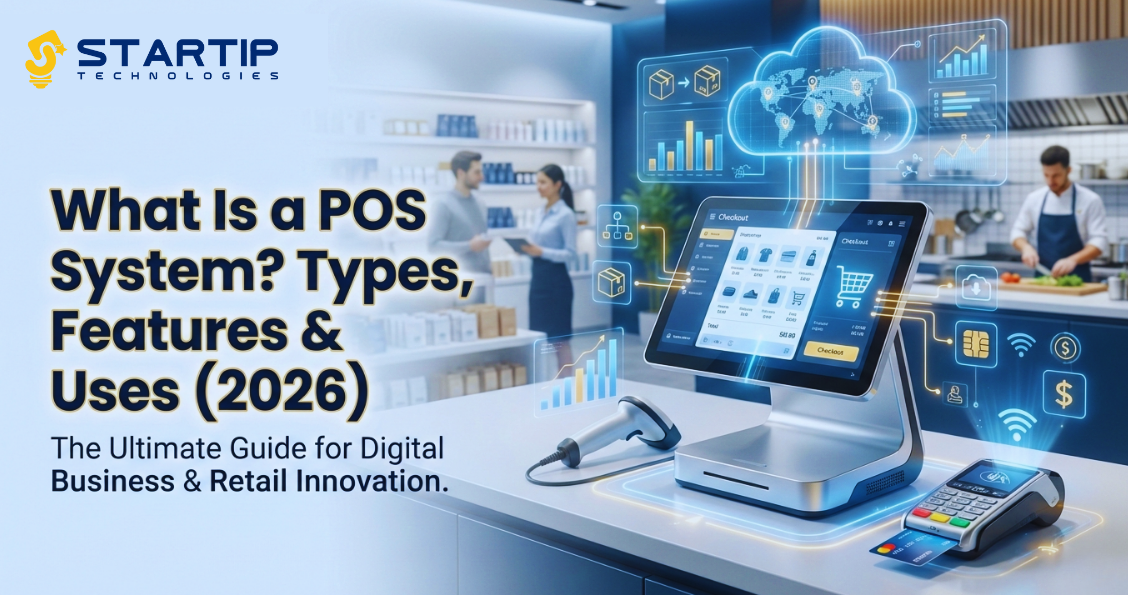
Did you know? Around 79% of businesses use a POS system today to manage sales, inventory, and customer data — reflecting how indispensable these systems have become for modern commerce. No matter if you are running a retail store, own a restaurant, a hotel or even a software business, understanding POS systems is crucial for operational success. The case gets extra special in a digital economy where efficiency drives profitability.
At Startip Tecnologies, we believe to educate each and everyone of you to ensure you make better choices for yourself. The same is why, in the content below, we will unleash what is a POS system, along with all the other essential information. Hence make sure to read till the end.
What Is a POS System? POS System Full Form Explained
POS system stands for Point of Sale System — a computerized setup where a customer completes a purchase and the business records the transaction. Basically, it’s the digital equivalent of a cash register, but far smarter and more capable. You can think of it as the hub where sales, payments, and business data all come together.
What Is POS System and How It Works
A POS system brings together hardware and software to:
- Scan products (usually with a barcode scanner or touch screen)
- Calculate prices + taxes
- Process payments (cash, card, mobile wallet, contactless, etc.)
- Record the sale
- Generate a receipt (printed or emailed)
Behind the scenes, most modern systems also sync to inventory management, customer profiles, sales analytics, and even employee scheduling — making them powerful business tools, not just checkout machines.
What Is POS System in Computer & POS Machine
Basically, building a POS system on a computer refers to POS software installed on a desktop or laptop. It handles all sales operations, and in many cases syncs with peripherals like receipt printers or cash drawers.
On the other hand, the POS machine is typically the hardware terminal you see at checkout counters — often equipped to process card payments, scan items, and print receipts. Modern “machines” can be tablets or smartphones running POS software too.
Types of POS Systems (4 Main Categories)
Here are the four common types of POS systems businesses use today:
- Fixed / Traditional POS
Standalone terminal systems installed at a checkout counter. Great for stores and supermarkets. - Mobile POS (mPOS)
POS software running on mobile devices like tablets or phones — ideal for pop-ups, small retailers, food trucks, etc. - Cloud-based POS
Cloud POS systems store data online; multiple devices stay in sync and you can access reports wherever you are. - Self-Service / Kiosk POS
Automated terminal users interact with directly that are very common at fast-food chains or hotels for check-in/check-out.
POS System Examples (Real Use Cases)
Here are some common POS system examples you see daily:
- Retail POS: Supermarkets, clothing stores, pharmacies
- Restaurant POS: Order taking + kitchen ticket printing
- Hotel POS: Front desk billing, room charges, restaurant dining bills
- Salon and Spa POS: Appointment booking + checkout
- E-commerce integrated POS: Syncs online + offline sales
What Is POS System in Hotel
In hotels, a POS system is used to:
- Bill guests for room service, dining, mini-bar items
- Integrate with property management systems
- Track revenue by department
- Generate detailed invoices at checkout
Modern hotel POS systems improve speed, reduce errors, and ensure guest satisfaction.
Key Features of a POS System
Every good POS system should offer:
- Sales processing — fast checkout and accurate billing
- Inventory tracking — automatic stock updates]
- Payment flexibility — accepts cards, cash, wallets
- Reports & analytics — actionable business insights
- Customer management — loyalty programs & preferences
- Employee tools — hours, roles, competition tracking
These features help businesses optimize workflows and increase revenue.
How to Use POS System (Step-by-Step)
- Set up the hardware (terminal/tablet + scanner)
- Install and configure software
- Upload your inventory
- Train staff how to scan + checkout
- Process a sale (scan → calculate → accept payment)
- Review daily reports
What Is POS Job Skill? (Skills for Career & Business)
Proficiency with POS systems is a valuable job skill — especially in: Retail sales, Restaurant management, Hospitality operations, Inventory control and even in Customer service. At the same time, some of the pivotal key skills include transaction processing, reporting analysis, system troubleshooting, and customer interaction.
Benefits of POS Systems
- Faster checkout experiences
- Fewer manual errors
- Automated inventory updates
- Better financial reporting
- Improved customer loyalty
- Data-driven decisions
This is why most modern businesses rely on POS systems to stay competitive.
Why Modern Businesses Choose POS — and How Startip Technologies Can Help
At Startip Technologies, we’ve seen firsthand how integrated POS solutions empower businesses — from small shops to large hotels. Our experts can tailor a custom POS system that fits your operations, scales with growth, and boosts your efficiency.
Whether you’re launching a new business or upgrading your tech stack, understanding what a POS system is and how it works is foundational — and services by Startip Technologies are here to support your digital transformation.
Final Thought
POS systems are no longer optional — they’re essential tools that help businesses streamline operations, delight customers, and make smarter decisions. If you want to modernize your business systems, embrace POS technology today.